Features & Benefits

Multiuser Collaboration

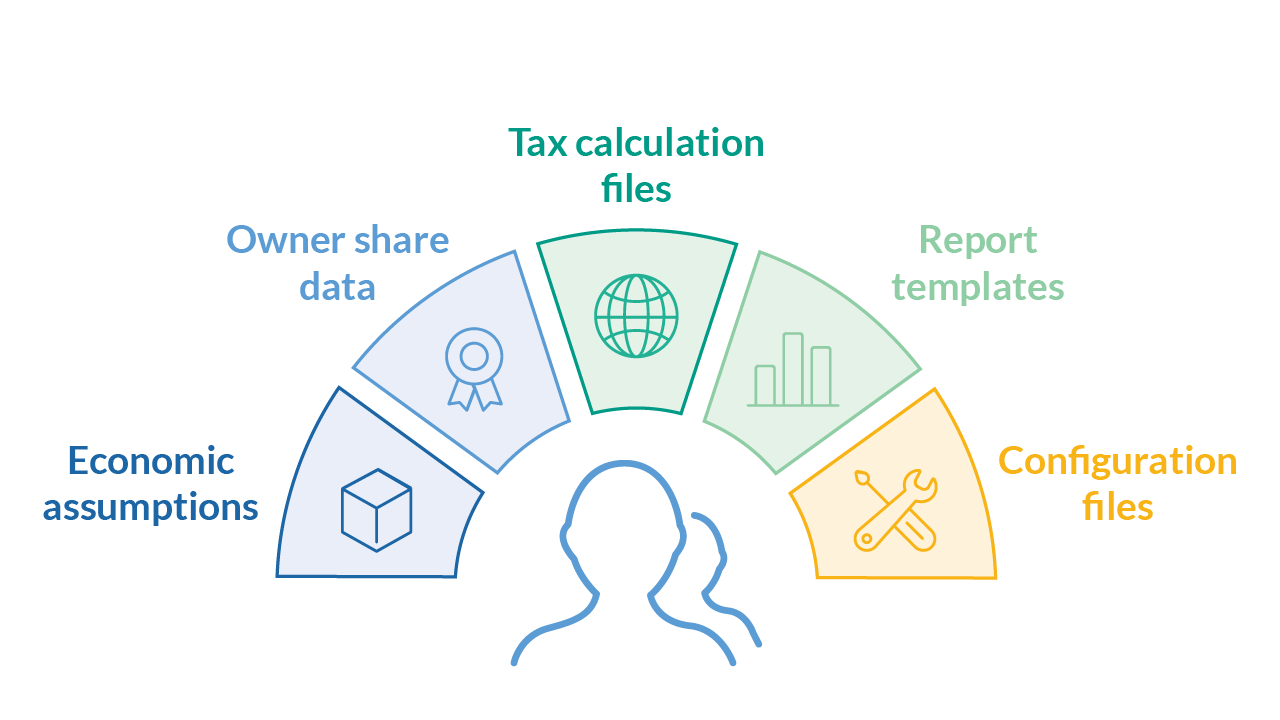
Arcast is built to ensure consistent calculations over time and between projects and users. This allows users to make head-to-head comparisons of different projects or different instances of the same project at different times. This is achieved through functionality to support versioning and sharing of:

  • Economic assumptions
  • Owner share data
  • Tax regime calculation files
  • Report templates
  • Configuration files

When all calculations are performed with the same set of files, focus may be put on analyzing the results, rather than determining the differences between different calculations.
Extensive Set of Calculation Routines

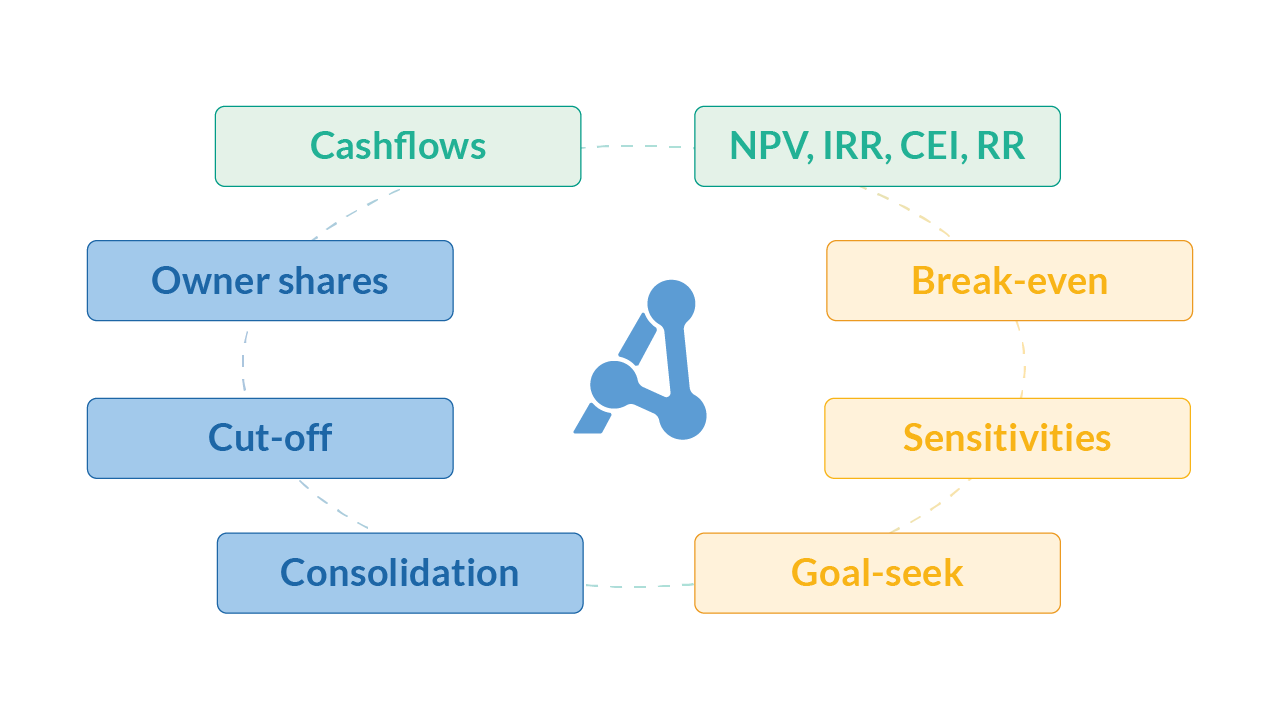
Arcast comes with a wide set of different calculation routines to help you study different aspects of your projects or portfolios, all built to let you focus on the results rather than debugging calculations.

  • Cashflow and various KPI calculations, including the net present value (NPV), internal rate of return (IRR), capital efficiency index (CEI), and risk reward (RR)
  • Calculation of per-barrel results for oil & gas industry projects
  • Break-even price calculation
  • Goal-seek analysis
  • Automatic calculation of project cut-off
  • Abandonment costs moved relative to cut-off
  • Calculations based on owner shares or 100% project values
  • Sensitivity analysis
  • Automatic conversion of input units or currencies to calculation and report units and currencies

Transparent and Flexible Tax Calculations

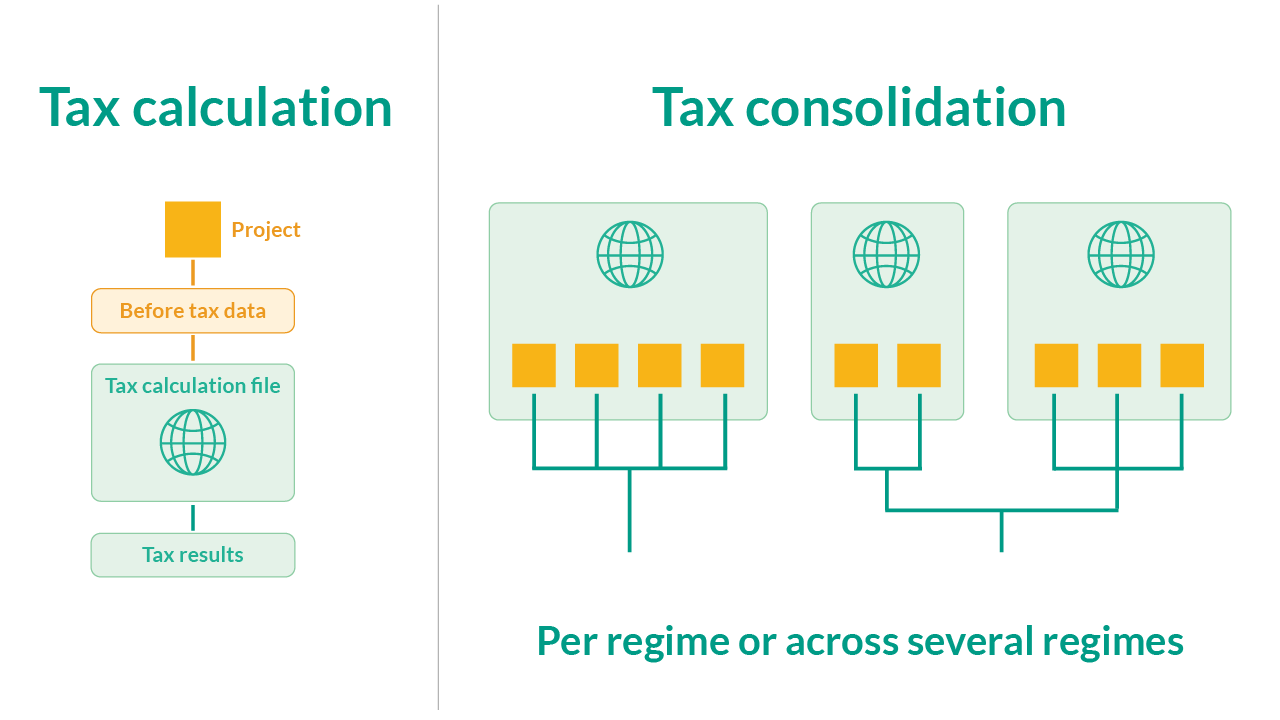
All tax regimes in Arcast are modeled as separate Microsoft Excel® workbooks. These are loaded into Arcast, populated with data from the analysis, and executed. The populated tax file can be reviewed by the user, providing full transparency of the tax calculations. If a tax regime undergoes changes, only the corresponding tax file needs to be updated; then, the file may be automatically shared with all users. Consistent tax calculations also make it possible for tax consolidation of all projects belonging to the same tax regime.

  • Built-in support for multiple tax regimes
  • New tax regimes can be added by users
  • Tax consolidation of projects in the same tax regime
  • Tax calculations for different tax position situation
  • Support for ringfence calculations of projects
  • Full report of after-tax results as cashflow and KPIs

Portfolio Calculations with Full Consolidation

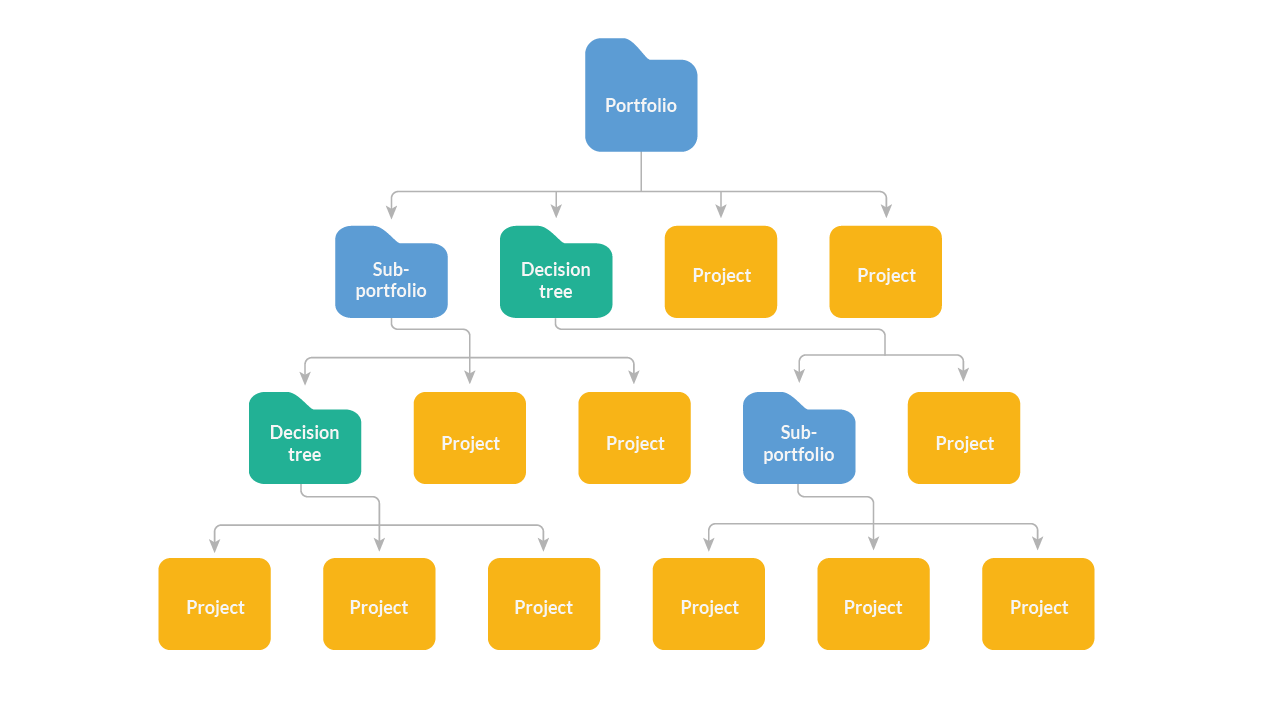
Consistent calculations across projects make it possible to aggregate the results on a portfolio level, including full tax consolidation per tax regime, or several if applicable. Results are shown as total portfolio values but may also be broken down on each entity.

  • Aggregated cashflow, revenue, costs and investments of all projects
  • Tax consolidation of projects belonging to the same tax regime
  • Portfolio dashboard with:
    • Portfolio summary of key results (NPV, IRR)
    • Rank of the projects by individual values
    • Options to exclude/include projects to investigate impact on the portfolio
  • Detailed portfolio profile report with:
    • All individual project profiles and results
    • Functionality to group, filter, and sort results by category
    • Direct export of data to new or existing Excel® workbook

Decision Trees to Model Complex Decision Scenarios

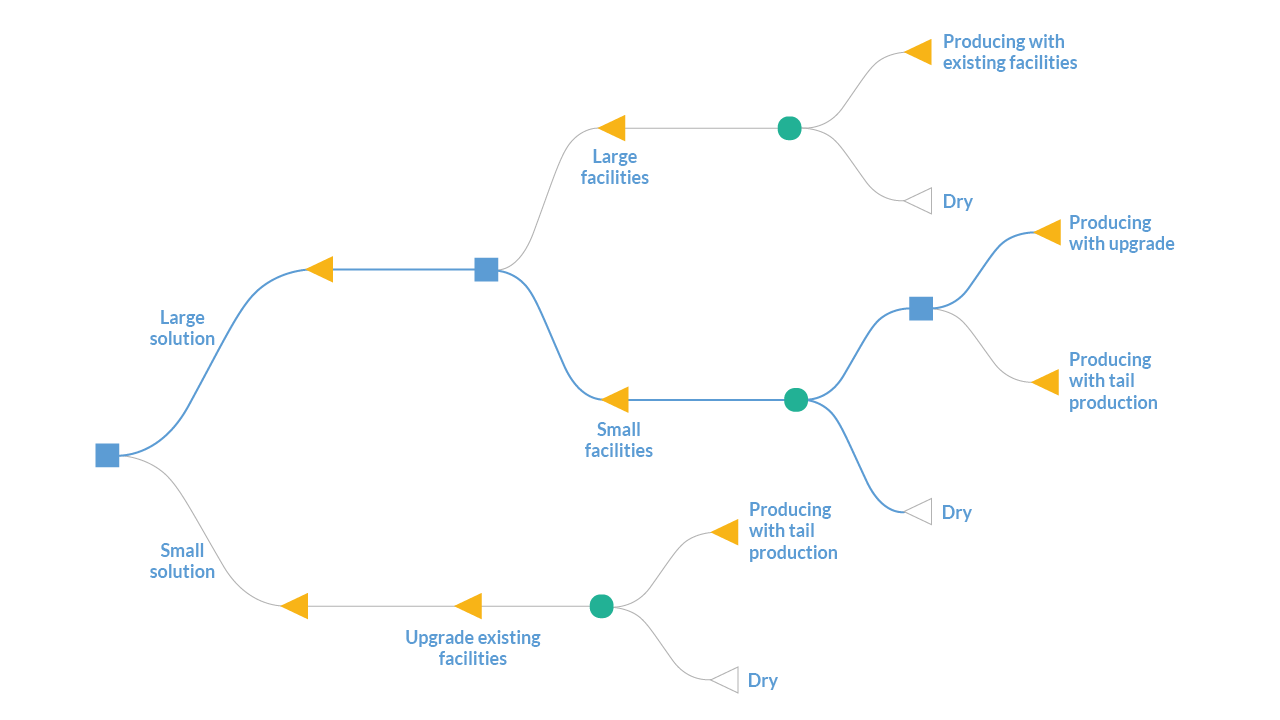
Decision tree modeling is often a good way to structure more complex decision scenarios in a visual and intuitive context. In Arcast, entire projects — including production, cost, and investment data — can be added to each end node in the tree. When calculating, full consolidation is performed along every branch of the tree.

  • Interactive modeling through drag-and-drop of decision, probability, and end nodes
  • Full Arcast project data associated with an end node
  • Annotation using text, lines, arrows, and images
  • Calculation of the optimal path of the decisions that will give the highest NPV
  • Information boxes on the nodes in the tree to show the values of the node
  • Root results of decision tree in the same structure as the results from a single project or a portfolio
  • Decision trees added to a portfolio in the same way as single projects

Comprehensive Results, Accessible Through Flexible Reports

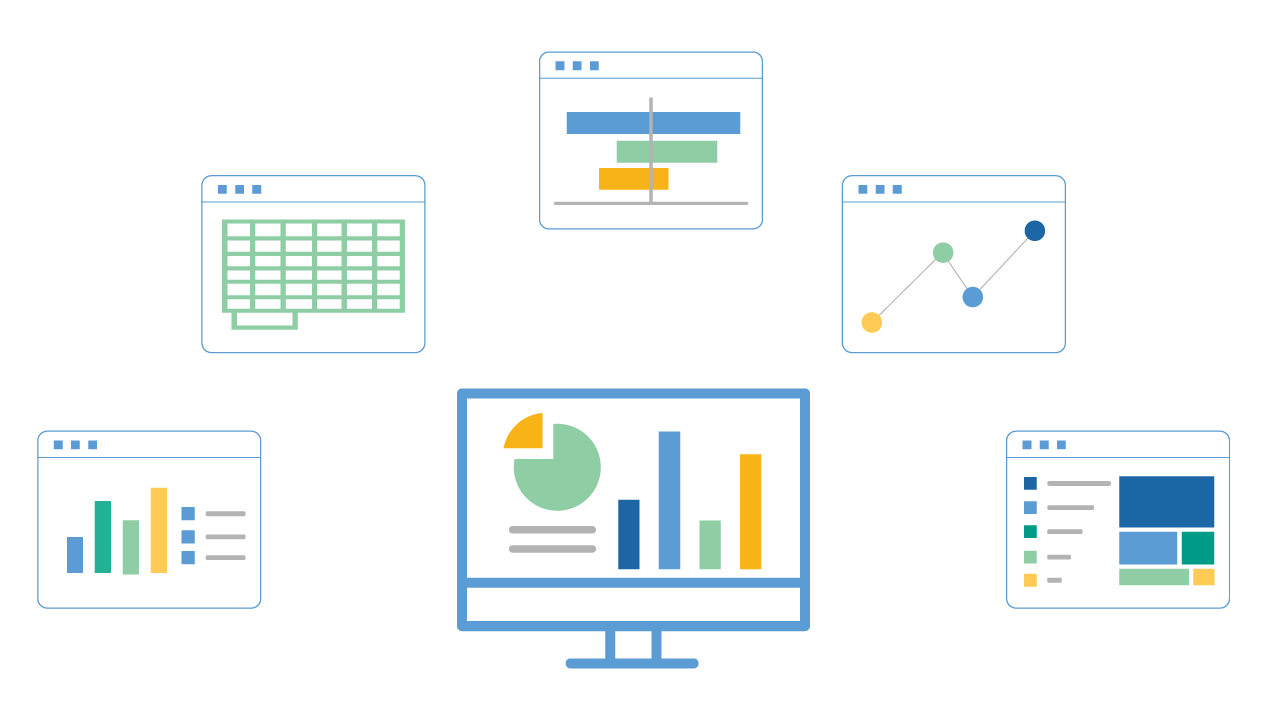
After calculation, all results are presented in standardized reports, available in both nominal and real values, and visualized in tables, profile reports, or plots. These reports are structured in the same way for all analysis entities (i.e., projects, portfolios, and decision trees), making results recognizable and easily comparable between analysis types. Users can set up their own report templates to use in custom analysis or as part of their organization's reporting structure.

  • Standard reports: Summary, Cashflow, Profiles, and Plot
  • Results in real or nominal values
  • Values shown in any units or currency
  • Functionality for user-defined reports
  • All results are accessible for export
  • Tag projects and profiles with metadata for advanced grouping, filtering, and analysis of results

Microsoft and Excel are trademarks of the Microsoft group of companies.